The panel auto-injects on every steamcommunity.com profile.
No options to configure, no API keys, no setup. Below is a 30-second tour of what it does
and one bonus trick worth knowing.
New versions get announced there first, bugs get fixed faster, and feature ideas
usually start as someone's message. Link your Steam account with /link and
your badge shows up next to your nickname: a heart for supporters, a gem for
server boosters.
Announcements, what's new, bug reports and a supporters lounge. Free to join, no strings.
Steam's desktop app has a built-in Chromium browser. That browser supports Chrome extensions natively, you just need to navigate to the Chrome Web Store inside it. Useful when you're already in Steam scouting a lobby and don't want to alt-tab.
Right-click profile · open in tab · paste ahake.pl · install.
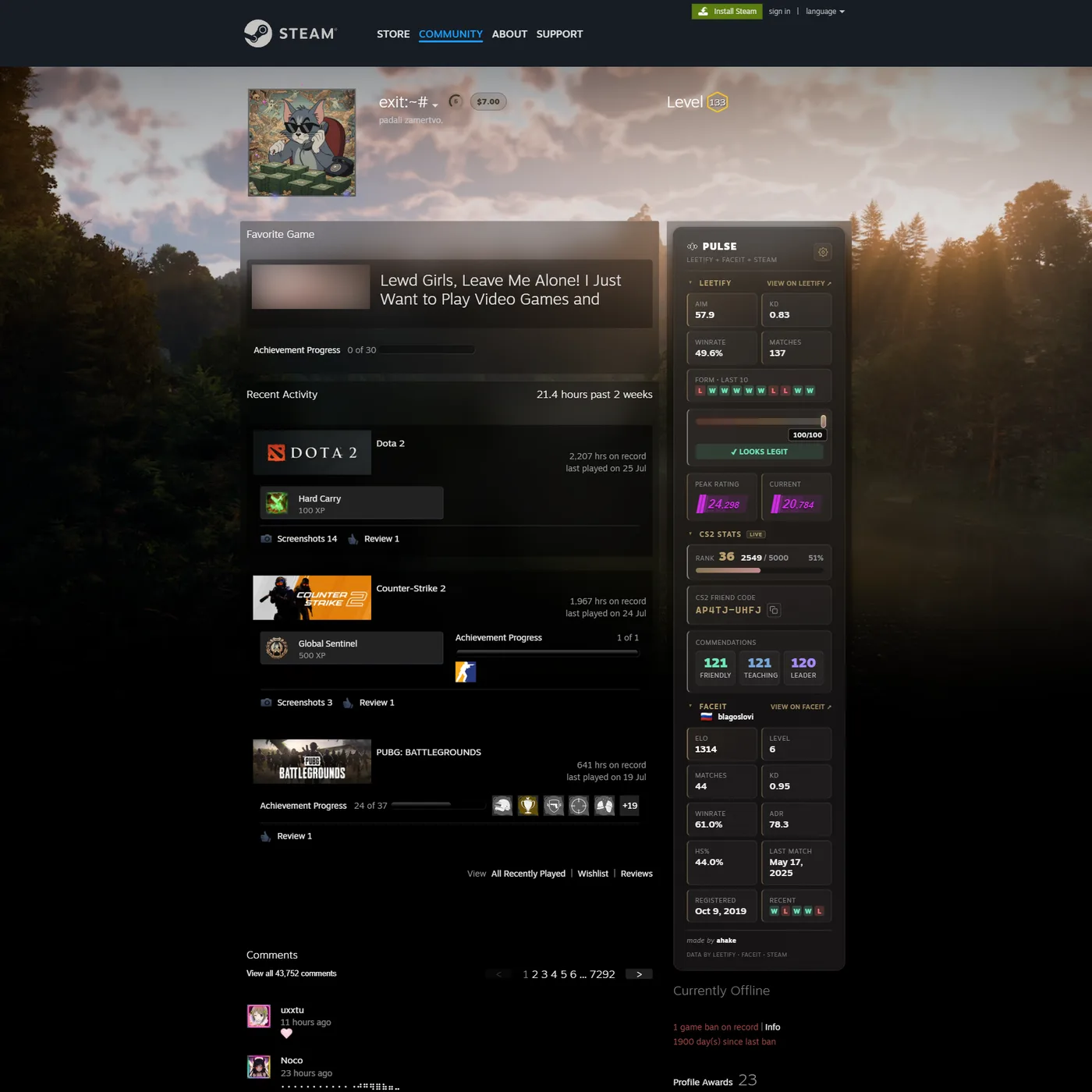
ahake.pl (or paste the Chrome Web Store link) and press Enter.On any Steam profile, the panel slides in on the right. Leetify loads first (AIM rating, K/D, winrate). Then CS2 in-game stats from Steam (Private Rank, XP, Friend Code). Then Faceit (ELO, level, last 5 matches).
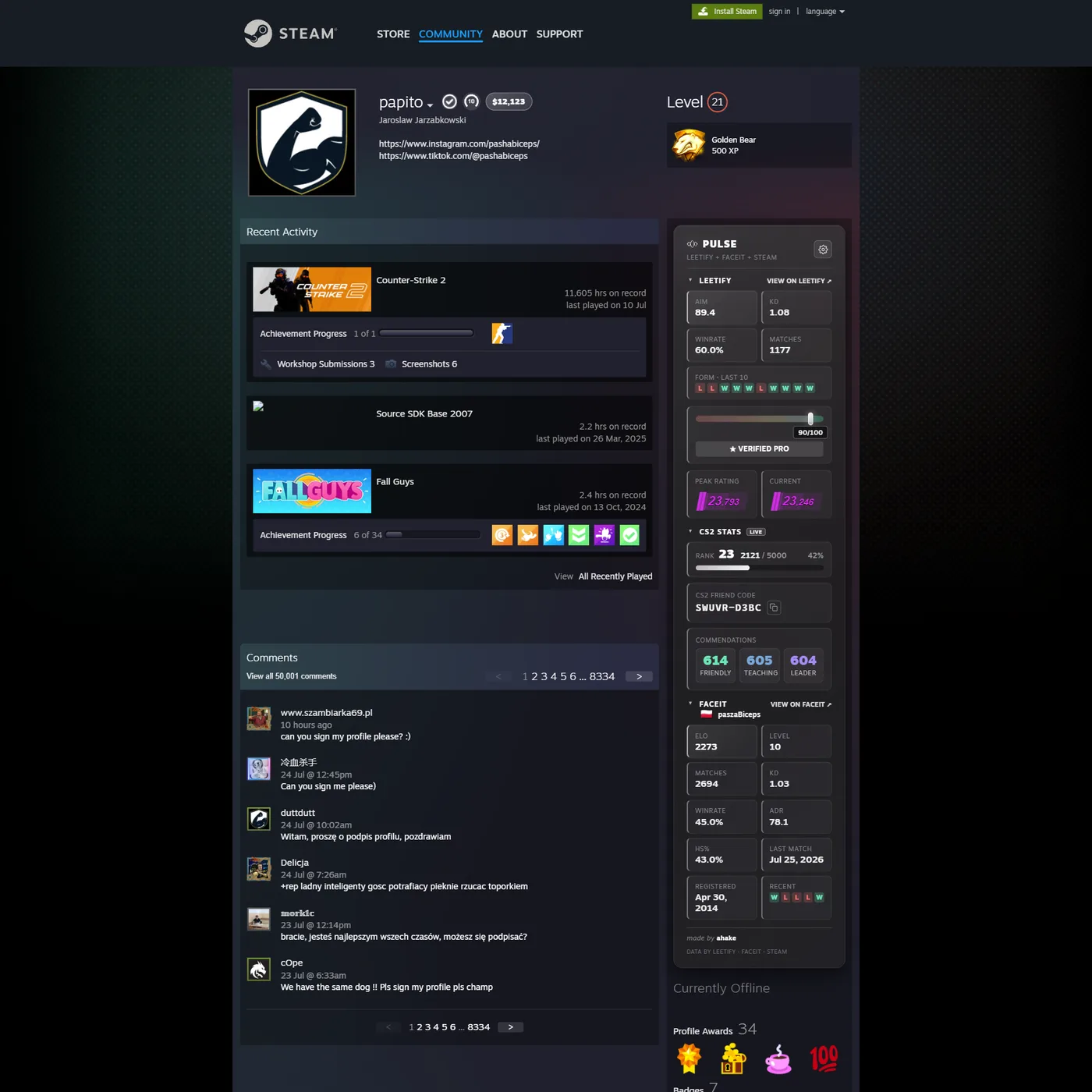
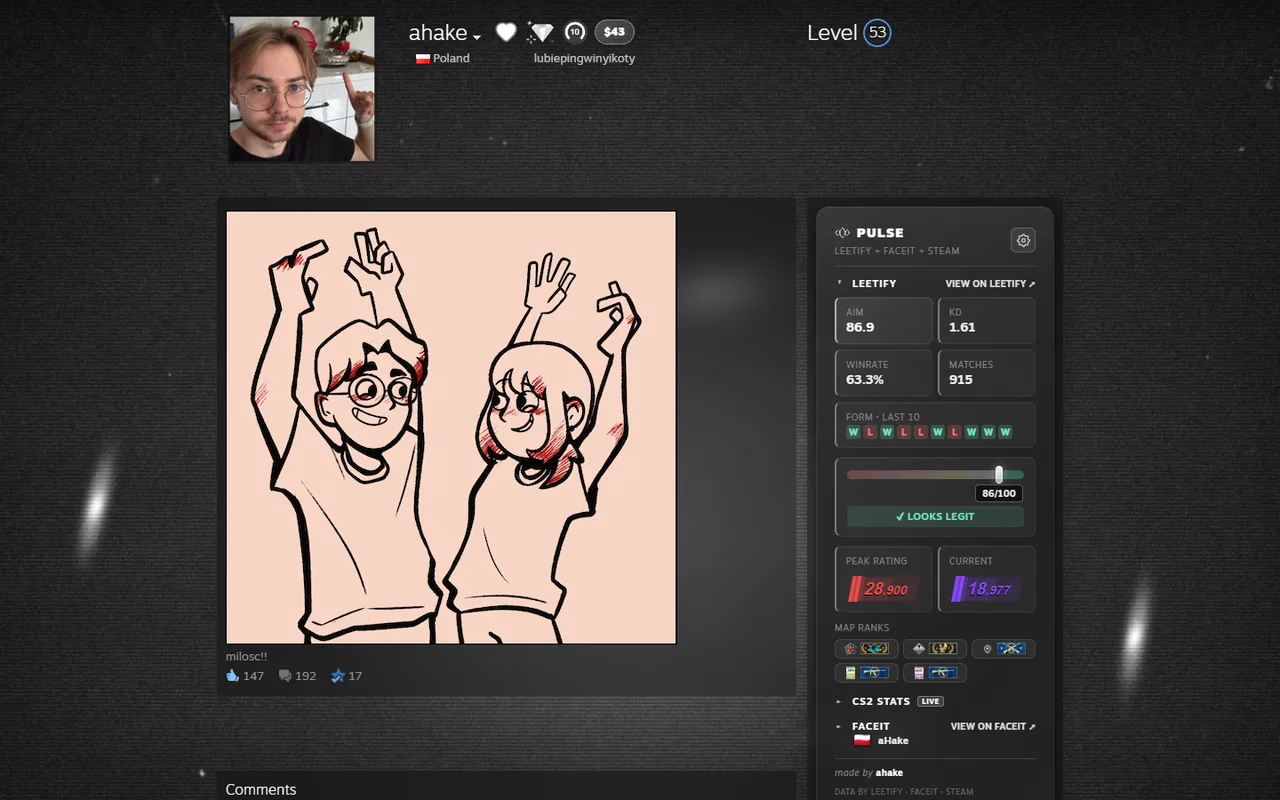
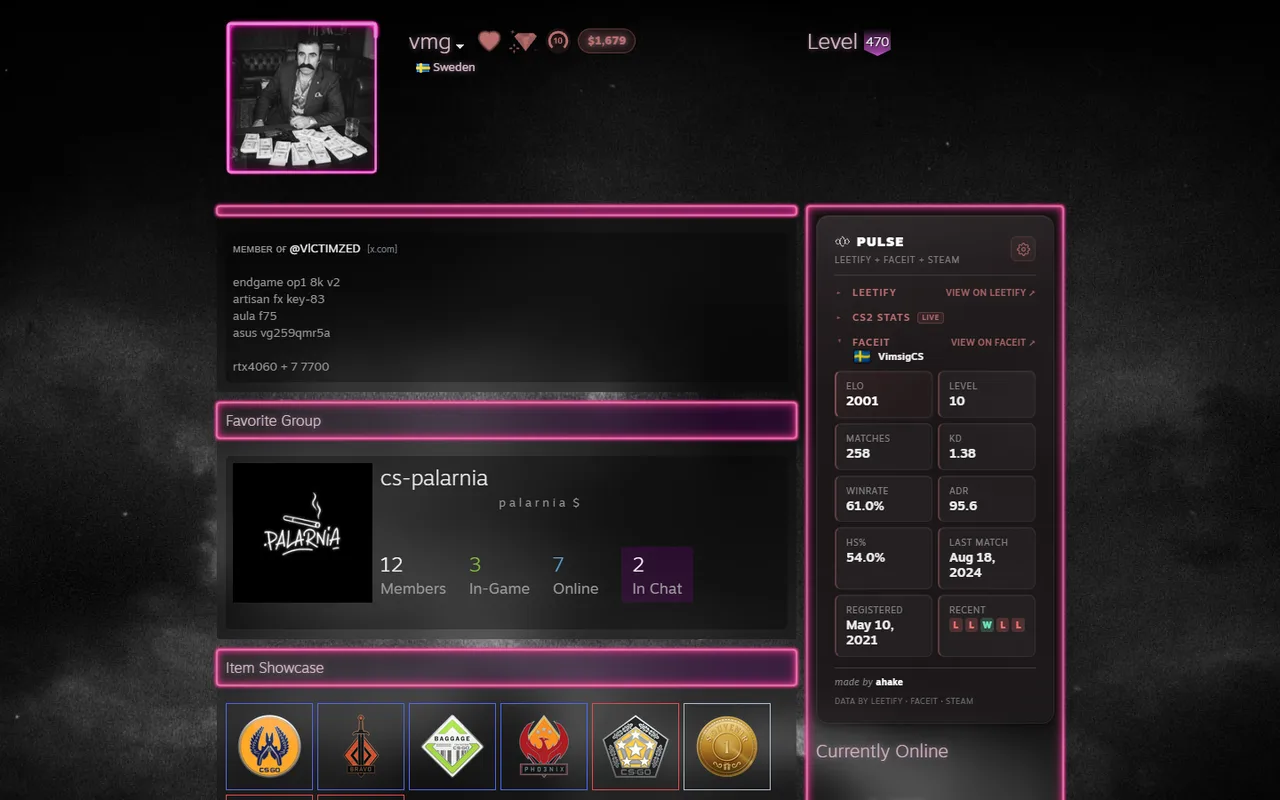
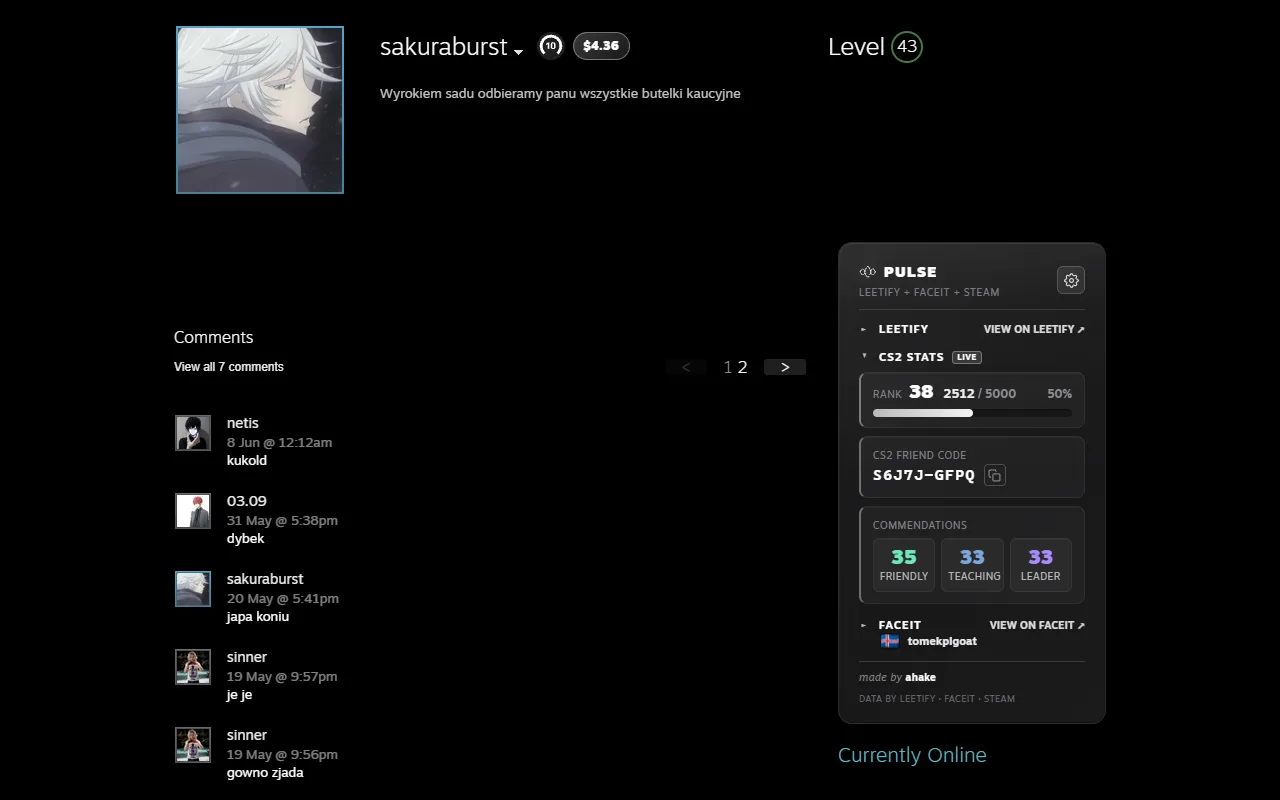
Small details that make the panel pleasant to live with.
Click any section header (LEETIFY, CS2 STATS, FACEIT) to collapse it. The state is per-page; refresh resets it.
One click on the icon next to the friend code puts it on your clipboard, ready to paste into Steam's Add a Friend dialog.
The colored slider under Leetify ranks the player on the pro scale (gray → yellow → orange → red). 80+ is rare territory.
Every section has a "VIEW ON ..." arrow on the right. Jumps to the player's full profile on Leetify or Faceit.
