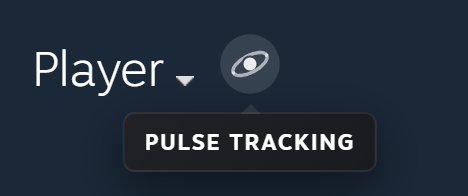
The Pulse Tracking badge
An orbit next to your nickname after your first tracked match, seen by everyone with Pulse. On Discord: the Pulse Tracking role and a scoreboard in DM after every match.

Connect once on your Steam profile and Pulse analyzes your Premier and Competitive matches, the last 30 days included.
Opens your own Steam profile. Sign in to Steam first.
An orbit next to your nickname after your first tracked match, seen by everyone with Pulse. On Discord: the Pulse Tracking role and a scoreboard in DM after every match.
No Leetify data? Your panel shows Pulse stats instead.
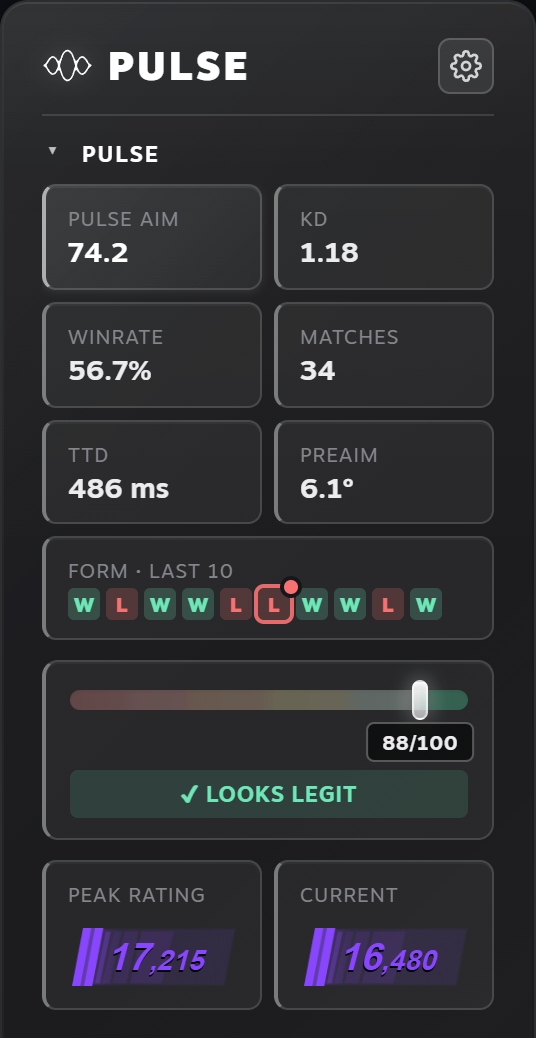
Tracked matches join “Form · last 10”, without duplicates. Click one for the full scoreboard: Premier ratings, parties, 4K and ace.
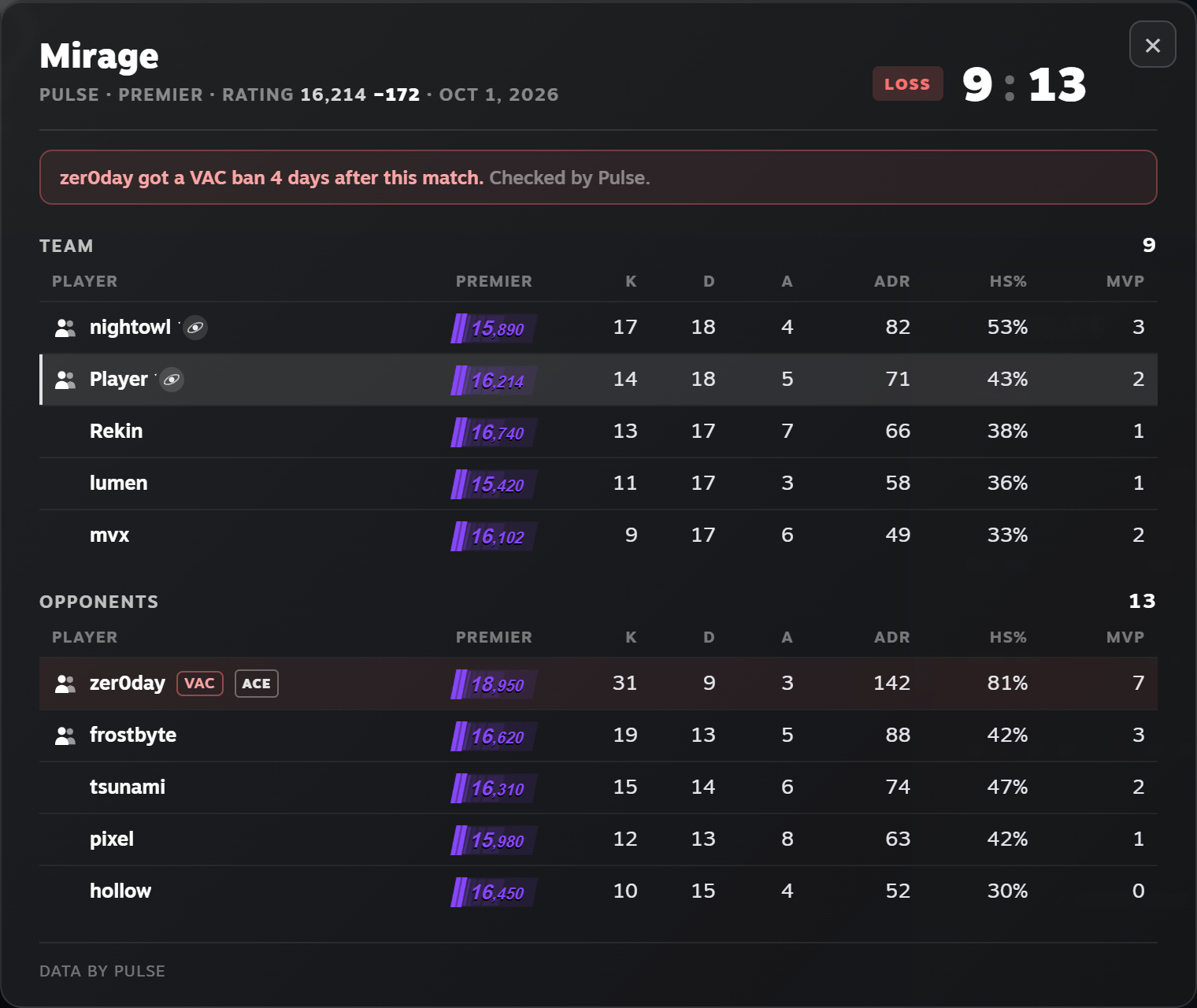
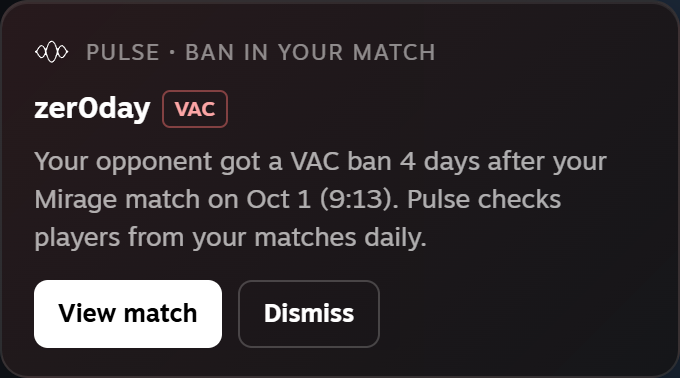
Someone from your match gets a VAC or game ban? You get a note on your profile, a red ring on that match and the ban in its scoreboard.
Pulse gets a read-only match history code from Steam, with no access to your account or items. Replays are deleted after analysis. Disconnect and delete data anytime in Pulse settings.
Rather not allow Steam’s support page? Enter the codes yourself. Privacy policy.
Map rank hover shows the map and the rank. Invisible nicknames show as Player. The tracking window follows your panel colour. New since 4.2.8: the match scoreboard.
Reviews are what moves Pulse up in the store. Tell us what you think.